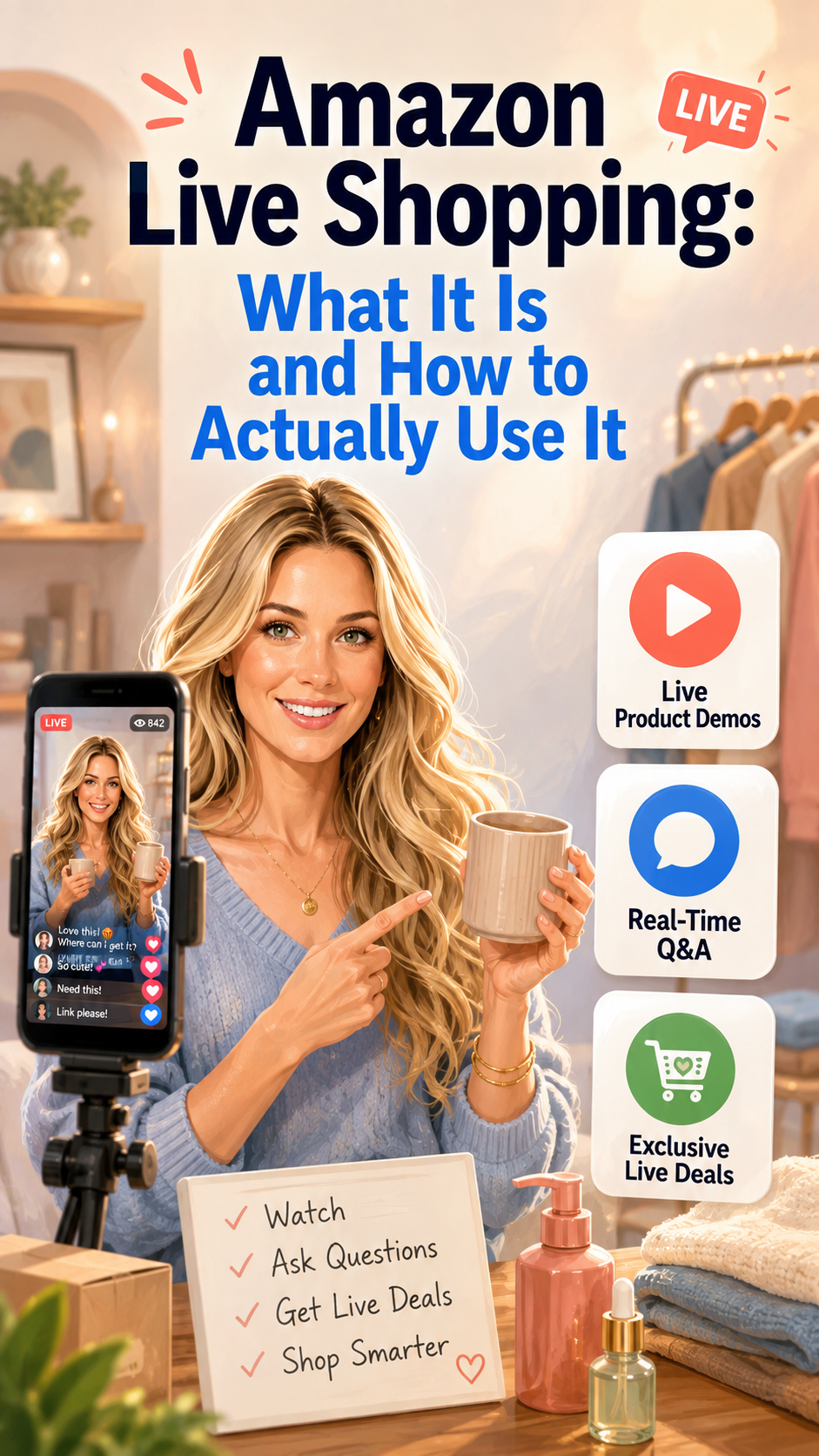
Amazon Live Shopping: What It Is and How to Actually Use It
You've probably scrolled past the little "LIVE" badge on Amazon without clicking it. Here's what's actually happening there, and why it might be the most useful five minutes you spend before buying something.
This post contains affiliate links — we may earn a small commission at no extra cost to you.
Amazon Live is basically QVC that lives in your phone and doesn't require you to plan your afternoon around it. Creators and brands go live, demo products in real time, answer questions as they come in, and — this is the part people don't realize — often unlock deals that only exist while the stream is running.
What Amazon Live Actually Is
It's a real-time video shopping feature built directly into the Amazon app and site. A host — sometimes a creator, sometimes a brand rep — goes on camera with a product (or several), shows how it works, and takes live questions from viewers in a chat feed running alongside the video. Product tiles pop up under the stream so you can tap straight through to buy without ever leaving the video.
You can browse what's currently live at amazon.com/live, or you'll catch streams surfacing on product pages and in your Amazon app feed if a creator you follow goes live.
Why It's Actually Useful (Not Just a Gimmick)
Here's the thing a static product listing can't do: show you how something behaves. Does the serum actually absorb fast or sit greasy for ten minutes? Does the air fryer basket really hold a full chicken? A five-star review can tell you it works. A live demo shows you.
- Real-time Q&A — you can type "does this run small?" or "how loud is it?" and get an actual answer, not guess from a review thread.
- Live-exclusive deals — some hosts unlock a discount code or coupon specifically for the stream, active only while it's running.
- Unscripted reactions — hosts testing something live tend to be more candid than a polished product description, because they're doing it in real time in front of people.
How to Actually Use It
- Don't wait for a scheduled time. Streams pop up organically — the easiest way in is looking at the live tab when you're already Amazon shopping for that category.
- Type your question early. Chat moves fast once a stream picks up viewers; asking early gets you a better shot at an answer.
- Watch for the deal window. If a host mentions a live-only coupon, it usually needs to be clipped or applied during the stream — don't close the tab and assume you can grab it later.
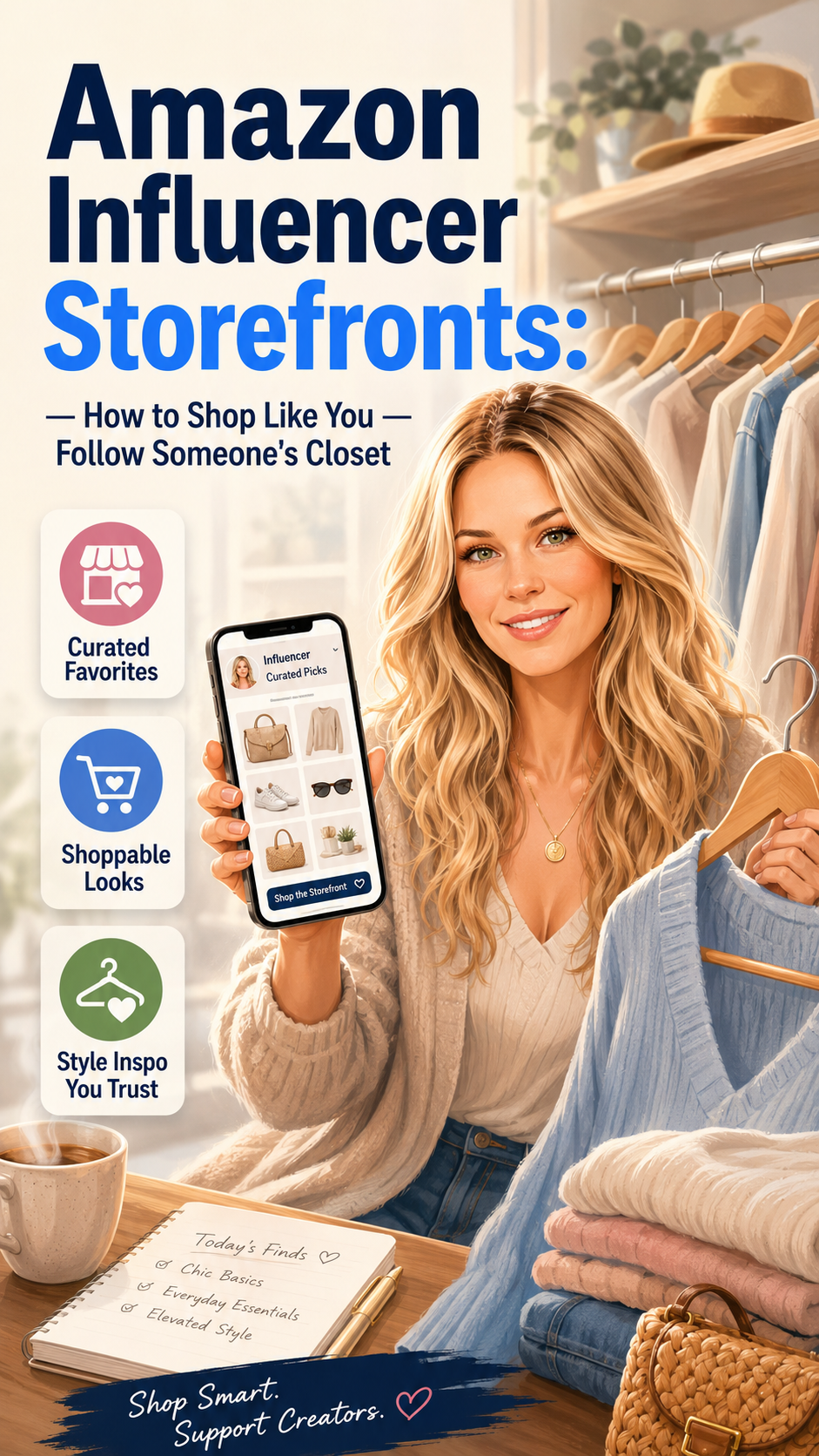
- Follow creators whose storefronts you already trust. If you've found a couple of Influencer Storefronts you like, those same creators often go live to demo picks from their own lists.
Next time you see that little red LIVE badge, tap it. Worst case, you watch thirty seconds and back out. Best case, you get your questions answered by an actual human and walk away with a deal that wasn't visible five minutes earlier.