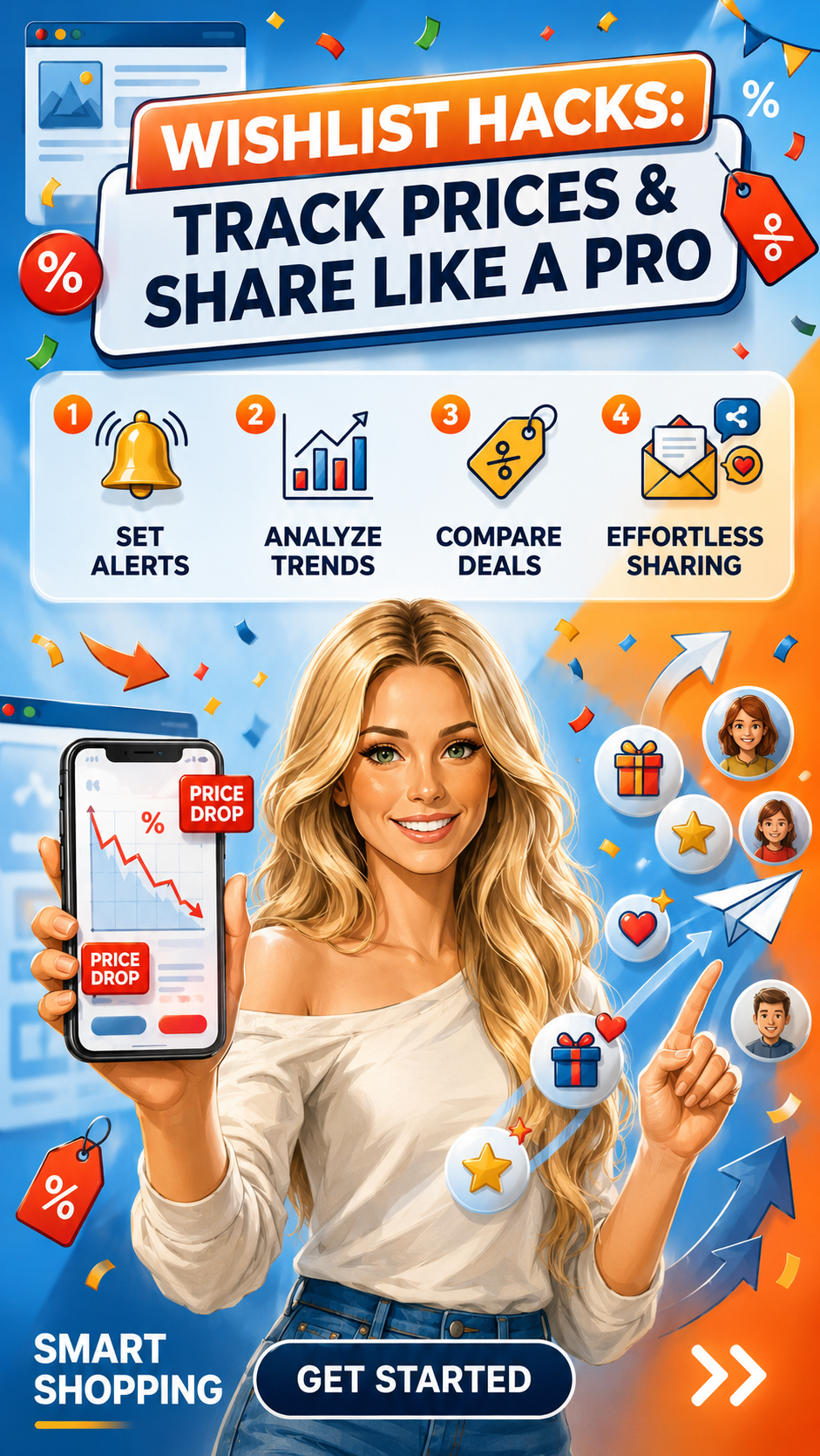
Amazon Wishlist Hacks: Track Prices, Set Alerts, and Share Like a Pro
Amazon Wishlists are not just a place to park items. They're a price tracking tool, a deal alert system, and a sharing platform — once you know how to use them that way.
This post contains affiliate links — we may earn a small commission at no extra cost to you.
Most people use Amazon Wishlists as a polite way to tell their family what to buy them for their birthday. That is a deeply underambitious use of a very powerful tool.
A properly set up Amazon Wishlist is a price tracking system, a deal alert engine, a comparison tool, and a sharing platform that makes you look both thoughtful and organized. Here's how to use it the right way.
The Price Alert Setup (The Most Important Feature Most People Don't Use)
When you add any item to a Wishlist, you can set a target price. Amazon will notify you by email when that item's price drops to or below your target. This is completely free. It requires no third-party app. It requires one click when you add the item.
The move: add items to your Wishlist at the price you'd be happy to pay — not the current price, but the price that would actually make you buy. Set the target. Then forget about it. You'll get an email when the moment arrives.
This is how I shop for anything over a threshold amount. Electronics, home goods, skincare sets, shoes. I don't pay full price on things I'm not in a rush for. I add them, set a target, and let Amazon do the monitoring. Start a new Wishlist here.
Build Multiple Lists (Not Just One)
One Wishlist becomes a chaotic catch-all in approximately two weeks. The move is to maintain several focused lists:
- Wait for It — items you want but aren't buying at current price. This is your active price-monitoring list.
- Home — household items you need eventually but aren't urgent.
- Beauty — products you want to try. This doubles as a research list.
- Gifts — things people in your life mention wanting. Throughout the year, when someone says "I've been meaning to get one of those," you add it here. Gift buying becomes trivially easy.
- [Season] Fashion — items you're considering for an upcoming season. Helps you think in terms of wardrobe gaps rather than impulse adds.
Named, organized lists are searchable, shareable, and functional. An unnamed single list is a chaos pile.
How to Analyze Price Trends on Wishlist Items
Amazon's built-in price alert tells you when the price drops. But to know whether today's price is actually good, you need price history. The free tool for this: CamelCamelCamel (camelcamelcamel.com). You can also get this data faster by installing their browser extension, which shows the price history chart directly on every Amazon product page you visit.
For any Wishlist item over a meaningful amount, run it through price history before setting your target. If the item's been as low as but the current price is and your target is — you know is achievable because it's been there before. Set and wait for a real dip instead.
Sharing Wishlists That People Actually Use
A shared Wishlist is only useful if it's curated. Here's how to make yours work:
- Set a priority on each item. Amazon lets you mark items as High/Medium/Low priority. Use it. The people buying for you need to know what you actually want most versus what you added as a vague "maybe."
- Add a comment to items when useful. "The blue one specifically" or "size medium" saves everyone the follow-up text.
- Include items across different price points. A list with only items is not useful for everyone who loves you. Include some things
- Keep it updated. Remove things you've already bought. Add things as you think of them. A stale list is a bad list.
To share: in your Wishlist settings, set visibility to "Public" or "Shared." You'll get a link to send or you can let Amazon do the friend-linking. Manage your Wishlists here.
The Comparison Trick
When you're deciding between two similar items — two dresses, two blenders, two skincare products — add both to a Wishlist instead of making a decision immediately. Live with them for a day or two. Check their reviews again. See if one drops in price. See if one keeps calling to you and the other doesn't.
This sounds like procrastination. It's actually better decision-making. The item you're still thinking about two days later is the one you actually want.
The Deal Event Strategy
Every time Amazon runs a major deal event — Prime Day, Black Friday, pre-holiday sales — your Wishlist is the most valuable thing you have going in. You already know what you want. You know your target prices. You're not browsing; you're executing.
Items on your Wishlist often get highlighted when they go on sale during deal events. Amazon also surfaces Wishlist items in your deal notifications. The Wishlist is not passive. It's an active deal alert system that just runs quietly in the background until it has something to tell you.
Set it up once. Let it work. That's the whole move.