How to Use Amazon's Virtual Try-On Tools
Amazon has AR try-on built into its app for shoes, sunglasses, makeup, and more. Most shoppers don't know it exists. Here's what it does, where to find it, and how to actually use it.
This post contains affiliate links — we may earn a small commission at no extra cost to you.
Online shopping has one persistent flaw: you cannot try things on. Amazon has been quietly solving this with augmented reality try-on features built directly into its app. They're underused, underpromoted, and genuinely useful once you know where to find them and what they're actually good for.
What Virtual Try-On Is (and Isn't)
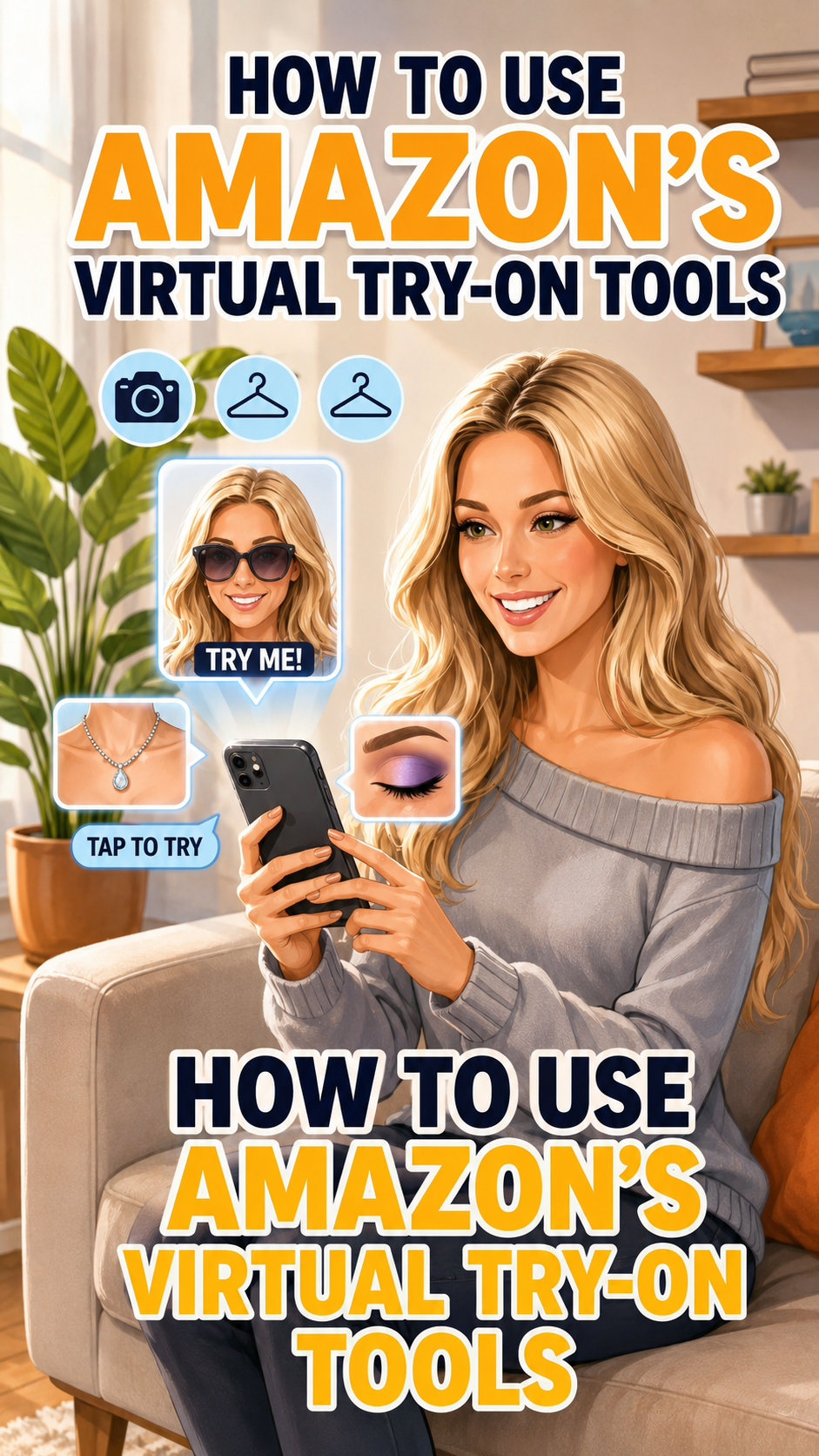
Amazon's Virtual Try-On uses your phone's camera to overlay a product onto a live image of you. You hold up your phone, see the item on your face or feet in real time, and get a much better sense of scale, proportion, and color than any product photo can give you. It's not perfect. It's a simulation. But it's meaningfully better than guessing from a flat image.
It is not a size calculator. It won't tell you if something fits. It will tell you if the proportions look right on your face, if the color reads well on your skin tone, and whether the silhouette of a shoe works with your foot shape. That's genuinely useful information.
How to Access Virtual Try-On
Virtual Try-On is only available in the Amazon mobile app — iOS and Android. You won't find this feature in a desktop browser. On a product page that supports it, you'll see a button labeled "Virtual Try-On" or a small AR icon near the product images. Tap it, allow camera access, and the overlay loads.
If you don't see the option, the product doesn't support it yet. Not every listing has it. The categories with the widest Try-On support are shoes, sunglasses, and beauty (lipstick, eyeshadow, foundation).
Shoes
This is where Virtual Try-On is most practically useful. Point your phone at your feet and the shoe overlays onto your foot in real time. You can see how chunky a sole reads on your foot, whether a pointed toe elongates nicely or looks awkward, how a sandal strap sits, whether a boot hits your ankle at a flattering height.
To access: search shoes in the Amazon app, filter by brand or style, and look for the Try-On badge on listings that support it. Browse shoes with Virtual Try-On here.
Sunglasses
This is the category most people intuitively understand the try-on concept for — face shape and frame proportions are everything when it comes to sunglasses. The AR overlay lets you see the frame size relative to your face, how the bridge sits, and how the arm width looks. You can switch between frames quickly to compare.
What it won't show you: lens tint accurately in all lighting, and it can't simulate how the frames sit when physically on your nose. But for narrowing down from ten options to two, it's fast and useful. Try on sunglasses virtually here.
Beauty (Lipstick, Foundation, Eyeshadow)
Amazon's beauty try-on overlays makeup onto your face through the camera in real time. Point at your face, and you can see a lipstick shade before buying it. This is genuinely useful for color-sensitive purchases where shade accuracy matters. Swipe between shades in the same product line to compare without buying multiples.
The rendering isn't photorealistic, but the color accuracy is good enough to rule out shades that are obviously wrong for you and narrow down to the ones that work. Browse beauty with Virtual Try-On.
Tips for Getting the Best Results
- Good lighting matters. Natural light or bright even indoor light gives the most accurate overlay. Dark rooms produce poor AR results regardless of the category.
- Keep your camera steady. The overlay tracks movement, but rapid movement creates lag. Slow, deliberate positioning gives you a cleaner view.
- Compare multiple options in the same session. The Try-On interface lets you switch between colors or styles without leaving the camera view. Use this for side-by-side mental comparisons.
- Use it to eliminate, not just confirm. Try-On is great for ruling out options that look wrong. Narrowing from many to a few is faster than trying to pick a winner from nothing.
Where to Find Try-On Enabled Products
Amazon doesn't have a centralized filter page for Try-On products across all categories. The best approaches:
- Search normally in the app, then scan listings for the Try-On badge or button
- Check brand pages for major footwear and eyewear brands — they tend to have higher Try-On adoption
- Look for the AR icon in the product image carousel, usually appearing as a small cube or "View in Your Room"-style icon
The feature is expanding. More brands are adding it. Checking for it has become a natural part of shopping in categories where fit and proportion matter.