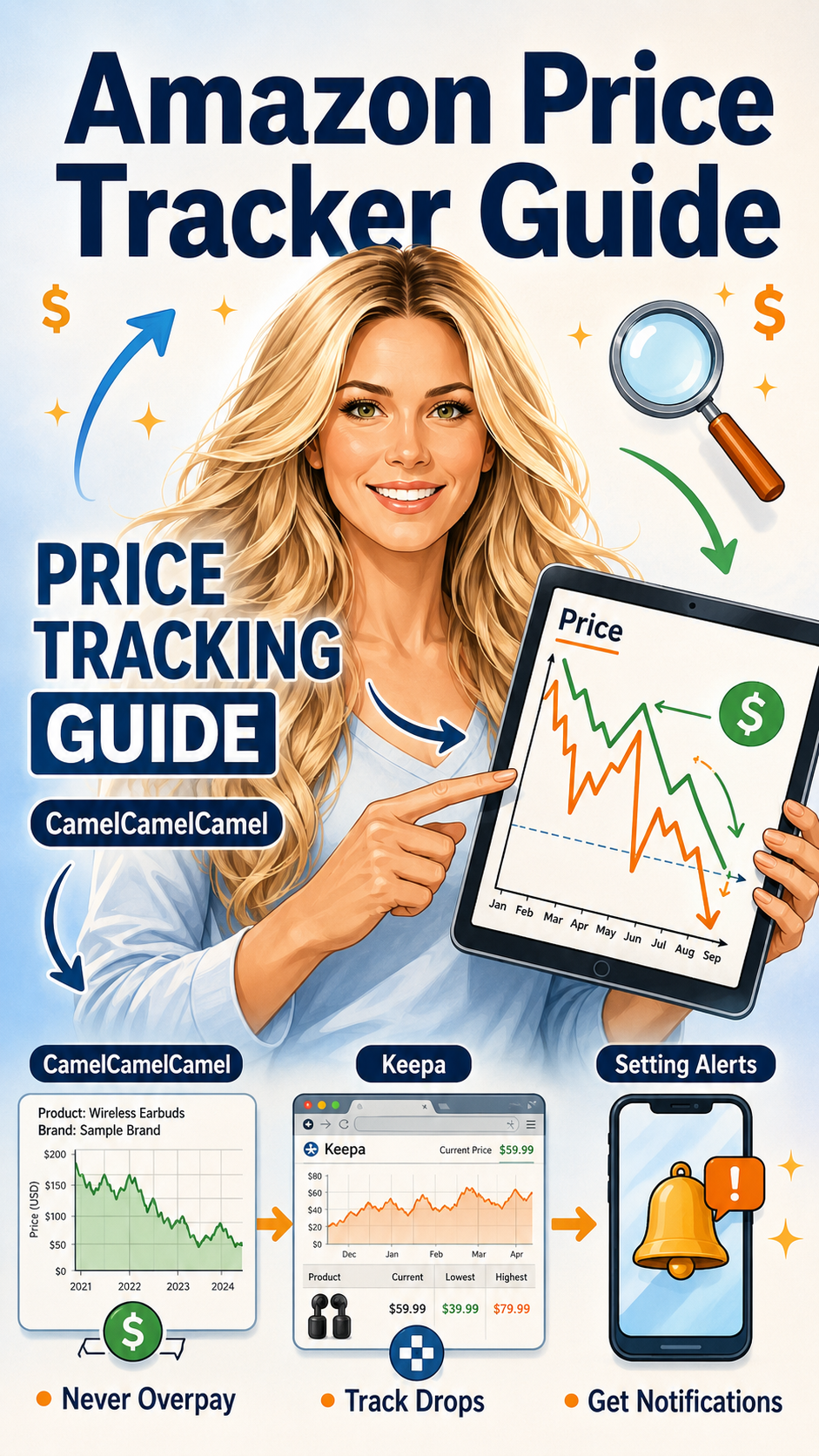
Amazon Price Tracker Hacks: Never Overpay Again
The price you see today probably isn't the lowest price that item has ever been. CamelCamelCamel and Keepa show you the full history — and alert you the moment it drops.
This post contains affiliate links — we may earn a small commission at no extra cost to you.
Here's a thing Amazon doesn't want you to know: that "was now " badge isn't always what it appears to be. Prices on Amazon fluctuate constantly — and some products are "on sale" at prices that are, historically, not actually a deal at all.
Price tracking tools fix this. They're free, they're fast, and they will genuinely change how you shop.
CamelCamelCamel: See Every Price This Item Has Ever Been
CamelCamelCamel is the one I recommend starting with because it's the most intuitive. Paste any Amazon product URL into the search bar and you immediately get a full price history chart — every price fluctuation tracked over months or years, with Amazon's current price overlaid.
This chart tells you things Amazon's "sale" badges cannot. You can see:
- Whether today's price is actually a historic low, or just standard pricing with a "sale" badge attached
- How frequently the price drops and by how much
- Whether the current deal is genuinely unusual, or if it happens every few weeks anyway
- The all-time low — so you know what "as cheap as it gets" actually looks like
A product showing as "33% off" that has sold at that same "sale price" for most of the past six months isn't really on sale. CamelCamelCamel makes that visible in seconds.
Keepa: The Power User Option
Keepa does everything CamelCamelCamel does and then some. The data depth is greater — Keepa tracks price history going back further and with more granularity — and the browser extension integrates price history directly into Amazon product pages, so you see the chart without leaving Amazon.
That last part matters. Keepa's Chrome and Firefox extension adds a price history graph directly below every Amazon listing. You don't need to copy URLs or visit a separate site. You scroll down on the product page and the chart is just there, showing you exactly what you need to know.
Keepa also tracks:
- Third-party seller prices vs. Amazon-direct prices separately
- Sales rank history (useful for gauging product popularity over time)
- Lightning Deal history
- Used and warehouse deal pricing
For serious deal hunters, Keepa is the deeper tool. For most people, CamelCamelCamel is sufficient and simpler to learn.
Setting Price Drop Alerts
Both tools let you set alerts — and this is genuinely the most powerful feature. Instead of checking the price yourself repeatedly (which you won't do), you tell the tool what price you're willing to pay, and it emails you the moment that price is reached.
How to set a CamelCamelCamel alert:
- Create a free account at camelcamelcamel.com
- Search for the product you want
- Click "Add Product to Watchlist"
- Set your target price — typically the all-time low or somewhere close to it
- Choose email notification and save
That's it. You close the tab and forget about it. When the price hits your target, you get an email. You go buy it. You don't leave money on the table waiting for a sale that was never coming, and you don't overpay because you got impatient.
Keepa alerts work similarly — set a target price on any product page where the extension is installed and you'll receive an alert when the price crosses that threshold. Keepa also supports price drop alerts for warehouse deals and used items, which CamelCamelCamel doesn't cover as thoroughly.
The Practical Play
Here's how to actually use these tools in your shopping life:
- Before any purchase over a certain amount: Check CamelCamelCamel first. If the price chart shows this is near the all-time low, buy now. If it's clearly mid-range, set an alert and wait.
- During Prime Day and Black Friday: Use these tools to instantly verify whether a deal is real. The "Lightning Deal! 40% off!" badge means nothing if the product was at that same price two weeks ago. CamelCamelCamel shows you immediately.
- For big-ticket items: Install Keepa's browser extension and let it run in the background. You'll see price history on every product page automatically, without any extra steps.
The goal is simple: never pay more than you have to. These tools are free, they take five minutes to learn, and they will save you real money on things you were going to buy anyway.
Browse today's Amazon beauty deals →
Bookmark CamelCamelCamel. Install Keepa. Set alerts on everything you're watching. Then let the deals come to you.